

How to make your pledge for Annual Giving
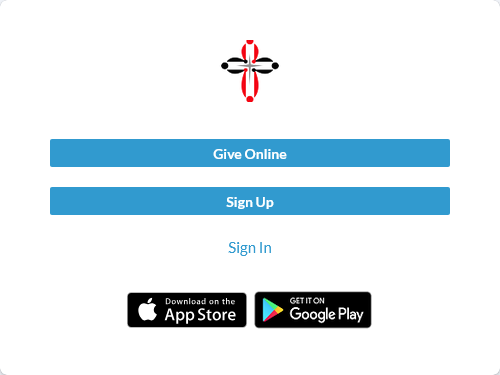
1. Log into Realm
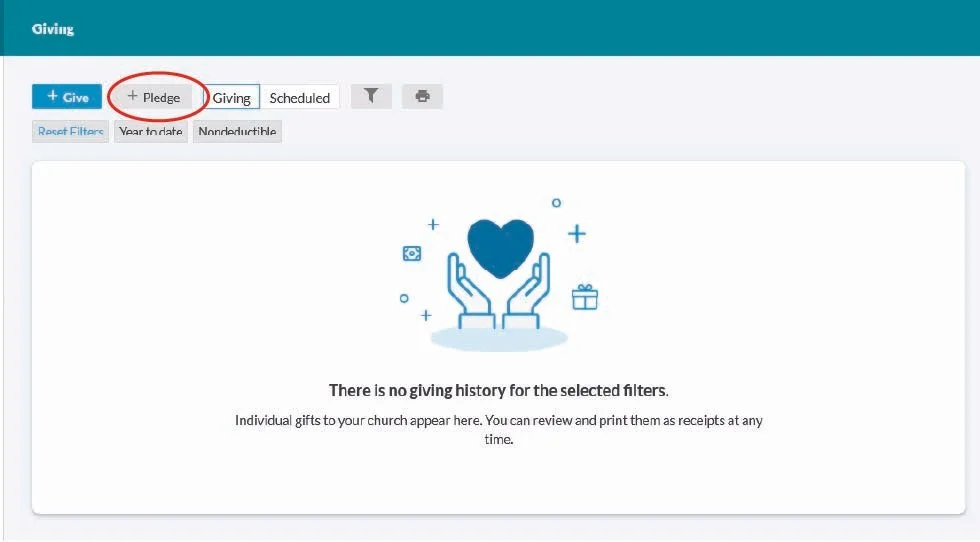
3. Click on the “+ Pledge” button
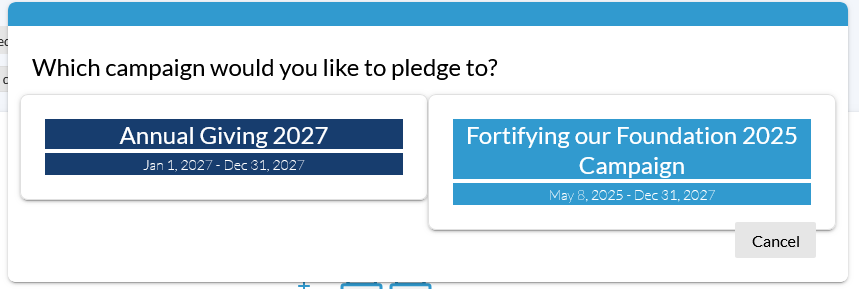
4. Select Annual Giving 2027
5. Select your giving level, then click “Save Pledge”
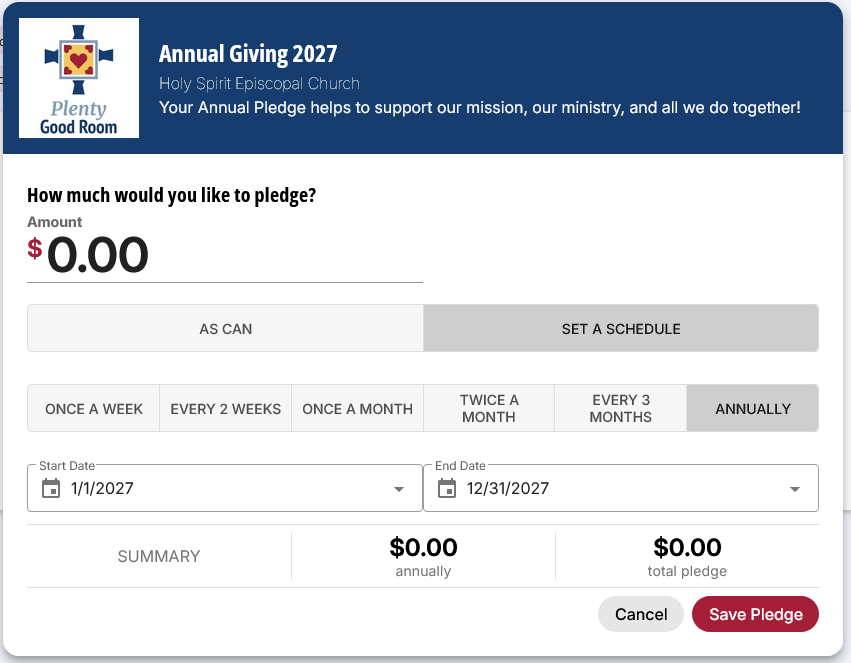
6. Fulfill your pledge beginning January 2027.
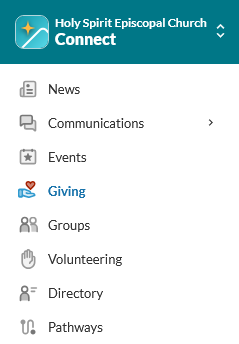
2. Select “Giving” along the left hand menu